Troubleshooting starts with an observation you can describe clearly. Separate a change in the drink from an operating fault, record what changed and use the exact manual before trying a remedy. This guide organizes that process without diagnosing a machine remotely or promising that a new accessory will fix it.
Decide whether it is safe to continue
Stop and consult the equipment's safety instructions when you notice damage, unusual electrical behavior, escaping hot liquid or another potentially unsafe condition. Do not open an appliance, bypass a protective feature or keep repeating a cycle to see whether the problem disappears. A coffee preparation experiment is different from diagnosing a mechanical or electrical fault.
The Bambino instruction book directs users to stop using a damaged or malfunctioning appliance and contact support.
- Find the corresponding instruction for your model.
- Avoid interpreting an unfamiliar warning through a video made for another machine.
- Record the model code and the indicator pattern when it is safe to do so.
- If support requests a photograph, obtain it without operating equipment in a condition you believe is unsafe.
- This guide can help organize the information you provide, but it cannot establish that continued use is appropriate.

Describe the symptom without naming a cause
Replace a conclusion such as the pump is broken with the action and observation: which button was pressed, what the machine did and whether liquid appeared where expected. Include when the issue began and whether it occurs every time. A useful report distinguishes startup, coffee preparation, steaming and a maintenance cycle instead of grouping everything as not working.
For a drink-quality concern, describe the change in ordinary language and compare it with a previous acceptable routine. Note a new coffee, different basket, adjusted grinder, changed water source or recent cleaning operation. Do not assume the most recent purchase caused the issue, but do not omit it either. Keep a short timeline so you can reverse a preparation change where appropriate and safe. This is a more productive starting point than ordering a component based on the first matching phrase in an internet discussion.
Check the documented basics before adjusting
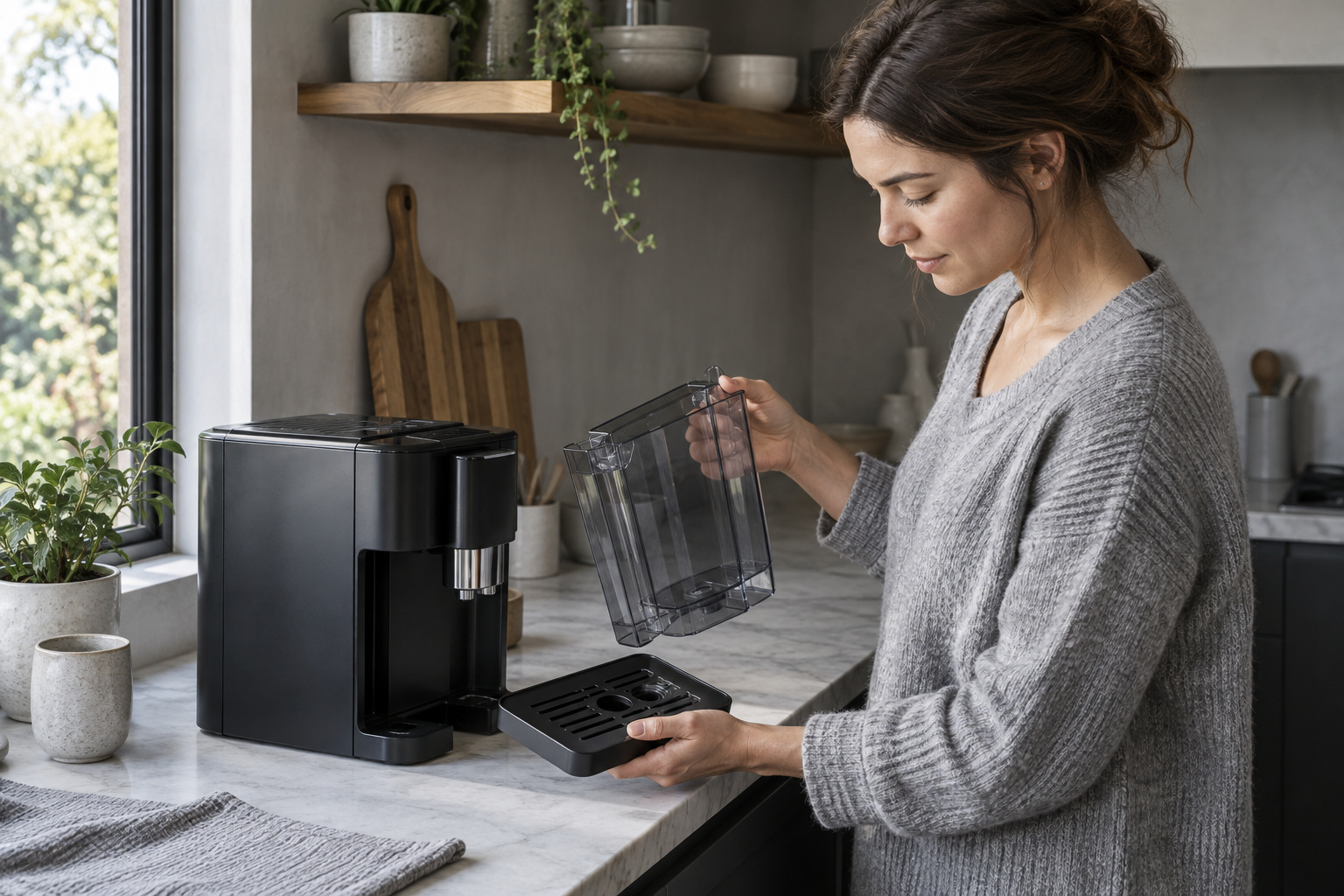
Read the troubleshooting section for the exact symptom and model. Follow the owner checks it actually authorizes, such as checking an indicated operating state or correctly fitted user-removable component. Do not add a step merely because it sounds harmless. A similar-looking appliance may use a different control sequence, basket or cleaning process.
If the machine operates normally and the concern is the drink, return to a repeatable preparation baseline. Our dialing-in guide explains how to change one variable at a time. Baratza's espresso guide also encourages small recorded adjustments rather than changing the entire process together. Keep a distinction between an observation that suggests a preparation experiment and a fault that needs support. You do not need to establish a technical diagnosis before contacting the manufacturer; you need to provide an accurate description of what happened.
Do not let maintenance become a guessing game
Check what maintenance you performed, using your record rather than memory. Identify the exact product, intended task and whether all specified completion steps were followed. If you cannot establish those details, say so when seeking help. Do not repeat descaling, increase chemical concentration or mix products in response to an unexplained symptom.
Use our cleaning workflow guide to separate routine care from designated chemical cycles. If the water source changed, our water planning guide helps you gather the relevant information without inventing a mineral diagnosis. A maintenance alert and a change in taste may coincide, but that does not prove one simple cause. The useful next step is the one supported by the manual or manufacturer response. Keep the equipment out of service if the instructions or support advice require it, even if another person online reports continuing to use theirs.
Prepare a support request that can be acted on
Send the model and regional version, the symptom, when it started, any displayed alert and the owner checks you completed. Add relevant purchase or service details through the appropriate private support channel. Do not publish personal information in a public product question. Ask what the next authorized step is, and keep the answer with your maintenance record.
If a replacement part is recommended, obtain its exact identification and compatibility before ordering. The accessories shown with this guide are general category suggestions, not prescribed repairs. Their ratings reflect documented listing data; they have not been tested as solutions to your symptom. Avoid buying several possible fixes at once because that can obscure which change mattered. Close the troubleshooting record when the problem is resolved by noting what actually corrected it, without generalizing that result to every machine. A useful outcome is normal documented operation or a clear service decision. An elaborate theory about pressure, temperature or extraction is unnecessary if it is unsupported by measurements and does not identify a safe next action.
| Section | Key point |
|---|---|
| Decide whether it is safe to continue | Find the corresponding instruction for your model. |
| Describe the symptom without naming a cause | Include when the issue began and whether it occurs every time. |
| Check the documented basics before adjusting | Read the troubleshooting section for the exact symptom and model. |
| Do not let maintenance become a guessing game | Check what maintenance you performed, using your record rather than memory. |
| Prepare a support request that can be acted on | Do not publish personal information in a public product question. |